Tone Mapping
The fifteen built-in tone mappers, with a rendered sample of each
Tone Mapping
Status: Complete Last Updated: 2026-09-22
The viewport shades in linear high dynamic range. A tone mapper compresses that range into the displayable one. You choose the tone mapper with Tone mapping in the HDR category of the settings window (Ctrl+,). With Write to: Scene the choice is saved with the document. A tone mapper with parameters has its own section under HDR. See Post-effect parameters for how those rows work.
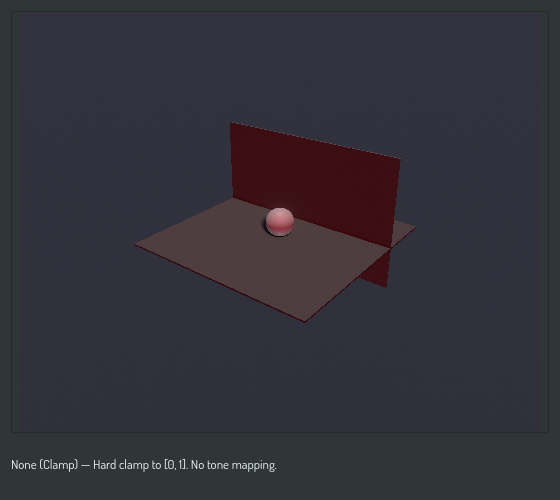
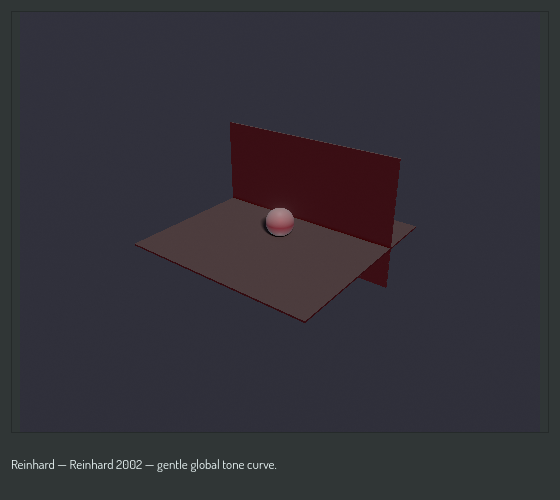
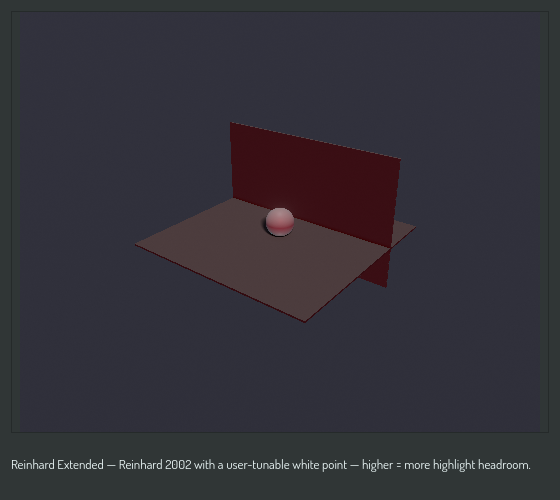
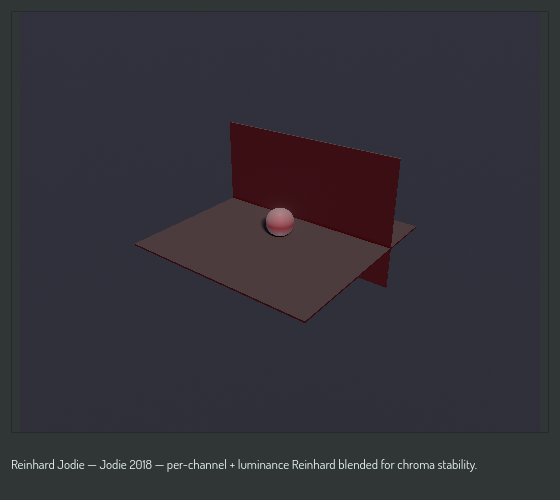
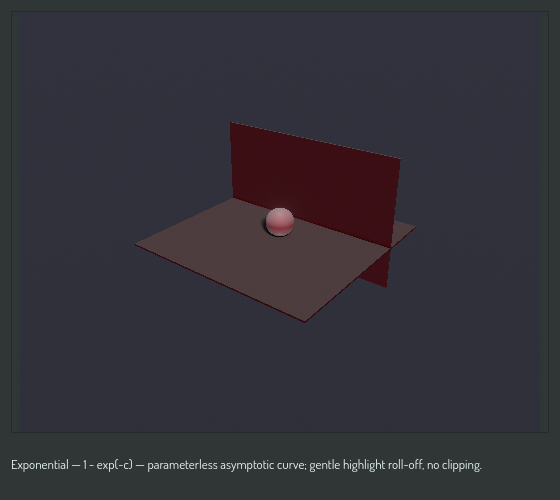
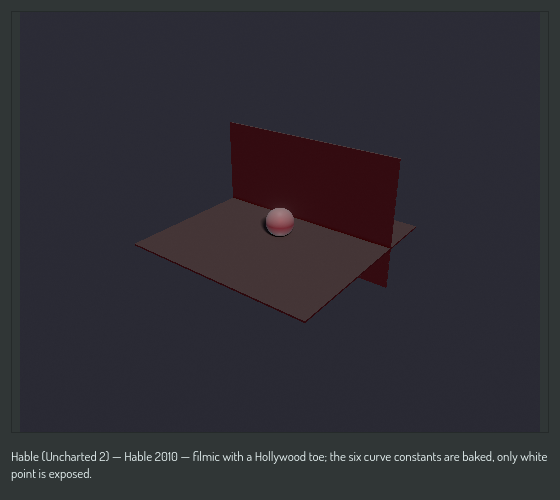
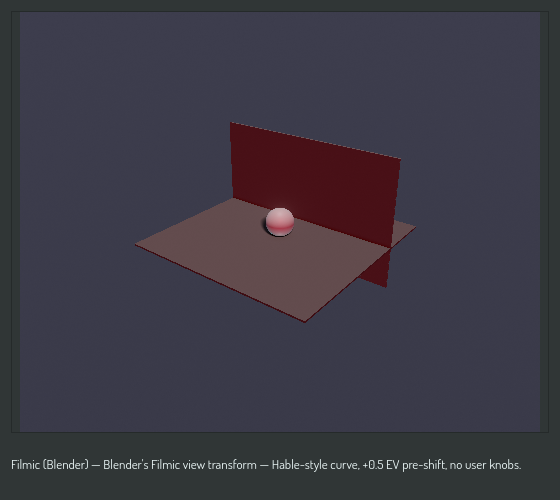
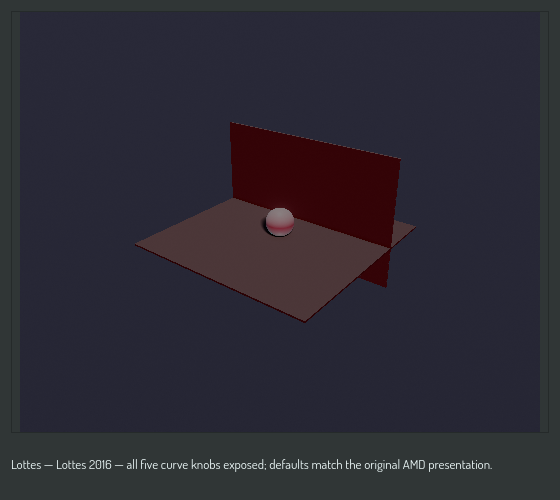
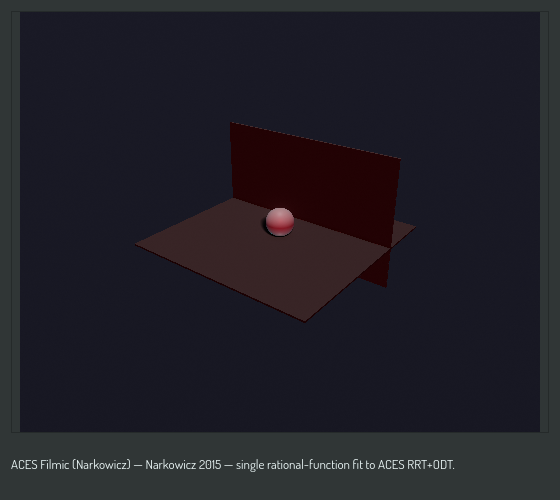
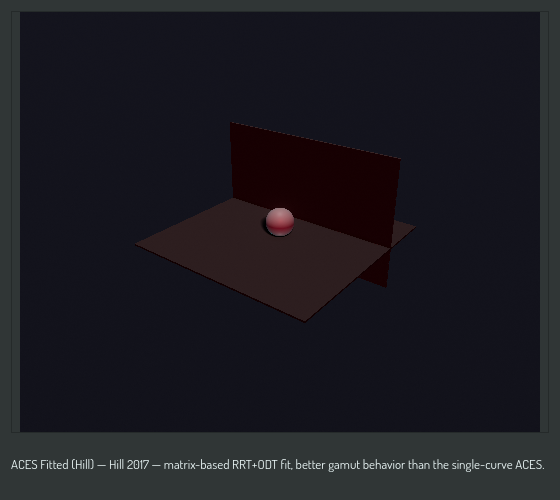
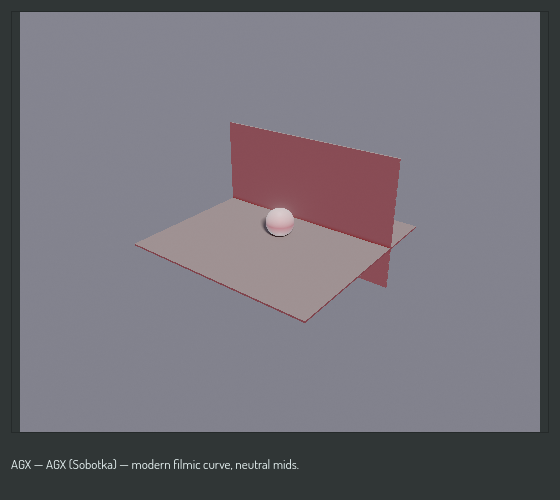
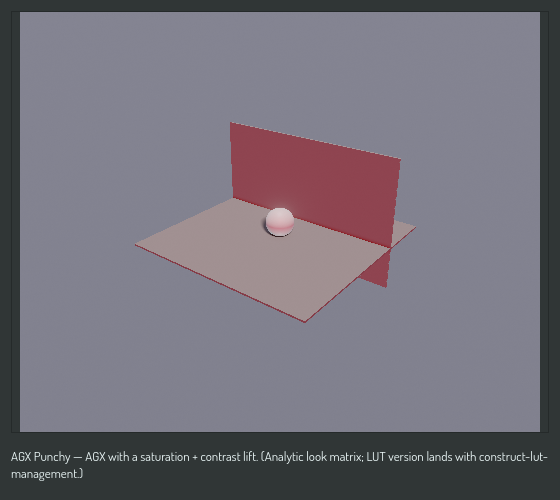
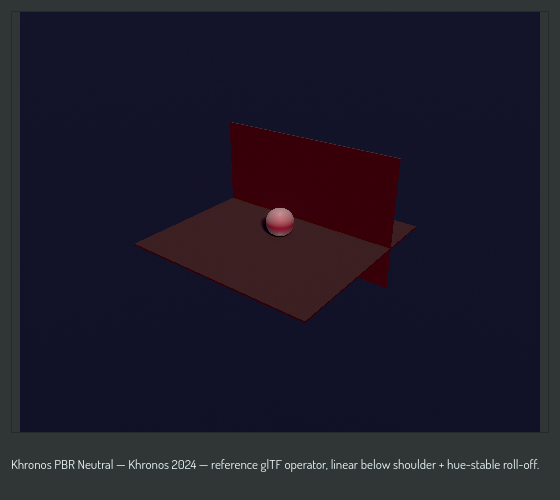
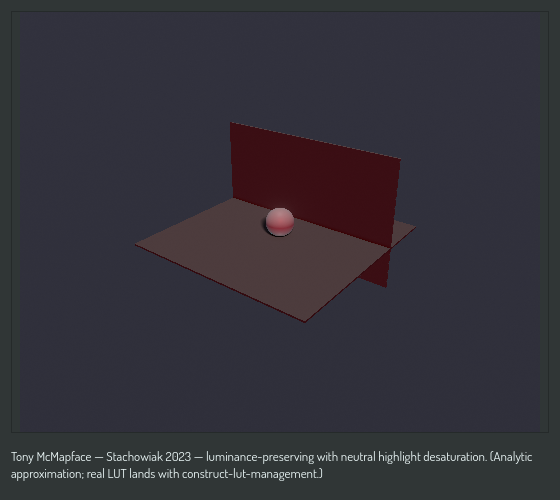
Every sample below shows the project's standard preview scene (a sphere on a floor with a back wall) under the same environment, at exposure 0, through the named tone mapper at its default parameters. The scene is the same in every picture. Only the tone mapper changes.
None (Clamp)
Hard clamp to the displayable range. No tone mapping. Highlights above white clip, and colors near white lose their hue. Use it to see the shading stage's raw output.
Reinhard
Reinhard 2002. A gentle global curve, c / (1 + c). Nothing clips, mid tones
darken a little, and strong highlights turn gray before they turn white.
Reinhard Extended
Reinhard 2002 with a white point. Scene radiance at the white point maps to display white, and everything below keeps the Reinhard curve. A higher white point gives more highlight headroom.
| Parameter | Default | Effect |
|---|---|---|
| White point | 4.0 | Scene radiance that maps to display white |
Reinhard Jodie
Jodie 2018. A per-channel Reinhard blended with a luminance Reinhard, so saturated colors keep their hue as they brighten.
Exponential
1 - exp(-c). A parameterless asymptotic curve with a gentle highlight
roll-off and no clipping.
Hable (Uncharted 2)
Hable 2010. A filmic curve with a pronounced toe, so dark values sit a little darker than a plain curve leaves them. The six curve constants are fixed. Only the white point is exposed.
| Parameter | Default | Effect |
|---|---|---|
| White point | 11.2 | Scene radiance that maps to display white |
Filmic (Blender)
Blender's Filmic view transform. A Hable-style curve with a half-stop pre-shift and no user knobs.
Lottes
Lottes 2016, the AMD presentation curve. All five curve knobs are exposed. The defaults match the original presentation.
| Parameter | Default | Effect |
|---|---|---|
| Contrast | 1.6 | Slope of the curve at the mid pivot |
| Shoulder | 0.987 | Fraction of the curve devoted to the shoulder |
| HDR max | 8.0 | Scene radiance that maps to display white |
| Mid in | 0.18 | Input mid-gray, scene linear |
| Mid out | 0.267 | Output mid-gray, display linear |
ACES Filmic (Narkowicz)
Narkowicz 2015. A single rational-function fit to the ACES reference rendering transform. Cheap, and the look most people mean by "ACES".
ACES Fitted (Hill)
Hill 2017. A matrix-based fit to the ACES reference rendering and output transforms. Better gamut behavior than the single-curve fit, at a small cost.
AGX
Sobotka's AGX. A modern filmic curve with neutral mid tones and a smooth approach to white. The default choice for new scenes.
AGX Punchy
AGX with a saturation and contrast lift, as an analytic look matrix.
AGX Golden
AGX with a warm white-point shift, as an analytic look matrix.
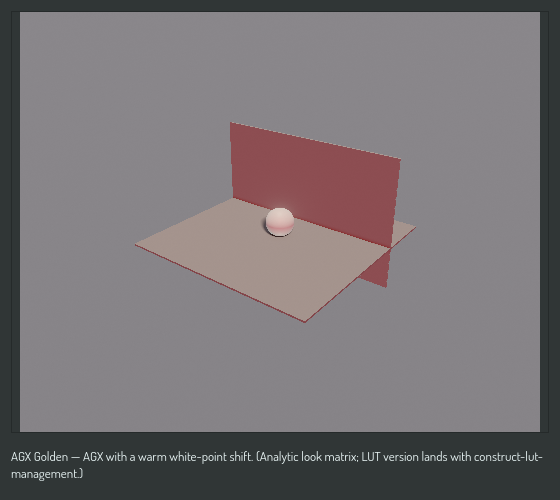
Khronos PBR Neutral
Khronos 2024, the reference glTF operator. Linear below the shoulder, then a hue-stable roll-off. The right choice when a material's color must survive the transform.
Tony McMapface
Stachowiak 2023. Luminance-preserving, with a neutral desaturation of highlights. The current build uses an analytic approximation of the published lookup table.
Not yet available
A user-supplied lookup table (user_lut) is declared in the catalogue but is
not selectable. It lands with LUT management.