TroveChat
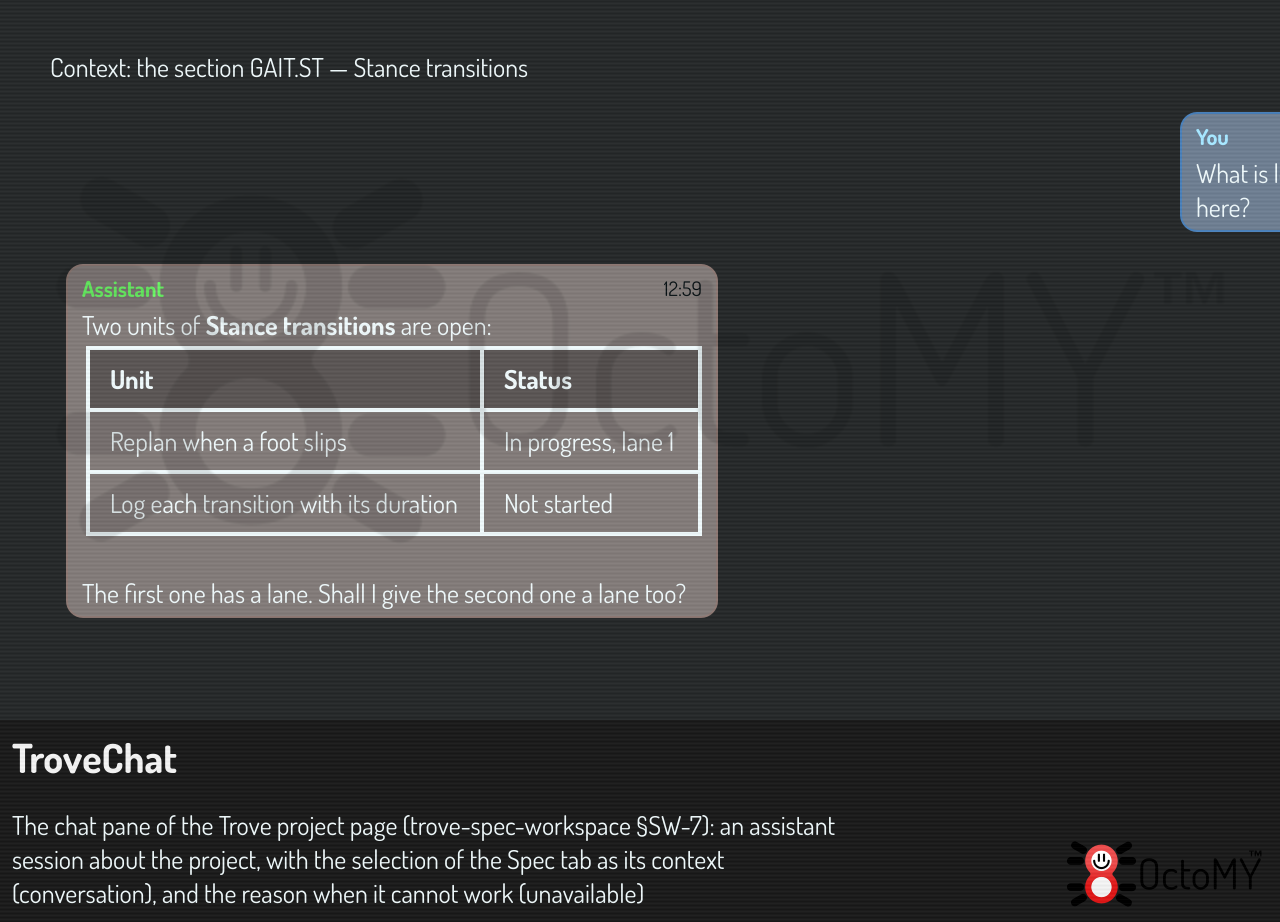
The Trove chat: an assistant session about one Trove project, with the selection of the board as its context (trove-spec-workspace §SW-7, trove-parts TPJ-49, TPX-19).
| Inherits | QWidget |
| Group | libtrove |
In the namespace octomy::trove::workspace. Declared in src/libs/libtrove/trove/workspace/TroveChat.hpp.
Detailed description
The OPAL chat of the app stays as it is. The board of a Trove project has a chat of its own, in its Chat tab: the shared ChatStreamWidget over an OpalConversationDriver, in a session of the session store (trove-parts §TPN-9).
The session
A Trove chat session is an assistant session whose project is the project's UUID, titled "Trove: <project>". The board opens the most recent one of its project. "New chat" leaves it, and the next message starts another. Like an OPAL chat, the session keeps its history, the rows that the chat shows (OpalChatViewLog) and its folder <base>/sessions/<id>/.
The context
The system prompt of each turn ends with the project (promptContextFor()). The selection travels with each message of the operator, as a note before it: an entity of the Spec tab, a file of the Files tab with what changed in it, or a lane of the Build tab (trove-unified-ui TUX-29). It is not in the system prompt, because a provider that keeps its process, as the Claude Code stream does, reads the system prompt once: the owner check of 2026-10-19 asked about a file, and the model still saw "nothing is selected in the Spec tab". An unchanged selection costs one line. Each change of the context is also recorded as a system event of role context, so that a reader of the session sees what the chat was about.
Plans
The model answers in the block protocol of OPAL. A plan card runs on the chat's own runtime when the operator clicks Execute, with the auth context, the LLM manager and the history of the active runtime. The Execute click is the approval of the plan, as "Approve & execute" is in the OPAL chat. A task that confirms every call cannot ask anyone here: the call is refused and the chat says so. The results go back to the model as the next turn.
See also OpalChatSessions, OpalConversationDriver, SpecWorkspace.