Stanza Input Activity
The Stanza Input Activity is the on-screen control surface you use to drive your robot once a preset is loaded and running. It is the place where moving a slider, flipping a toggle, or pressing a button turns into a value the firmware acts on.
One sentence summary
Open the Stanza Input Activity, pick up the controls, and steer your robot — sliders for continuous axes, toggles for on/off states, buttons for momentary or event triggers, all derived automatically from whatever the active stanza declares.
What you see
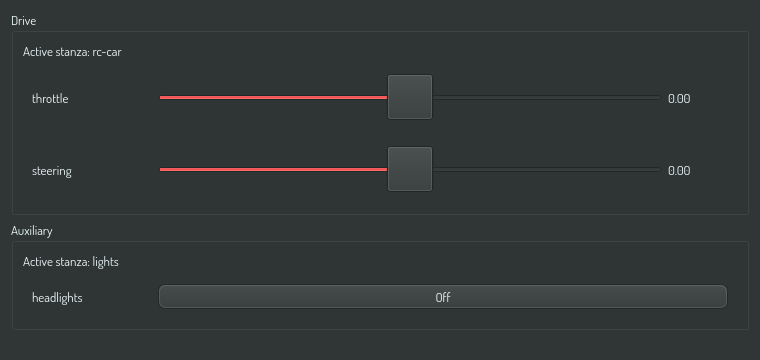
The activity is split into one section per channel. A channel is an independent control track (e.g. one channel for locomotion, one for the manipulator arm, one for the head). Each section shows the controls for whichever stanza is currently active on that channel — and switches automatically when you pick a different stanza in the Stanza Control surface.
The primitive widgets
The control widget that appears for each input depends on the input's kind — a closed vocabulary defined by the Control Intent Vocabulary.
| Kind | Widget | What it looks like | What it does |
|---|---|---|---|
axis: |
Horizontal slider | 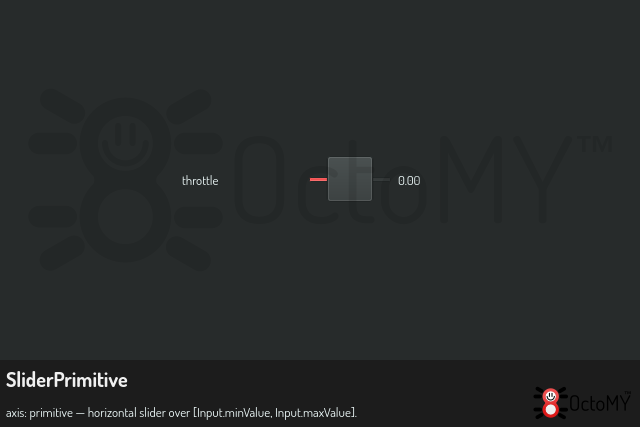
|
Continuous scalar value within the declared [min, max] range. Drags emit live updates ~60 times per second. |
switch: |
Toggle button | 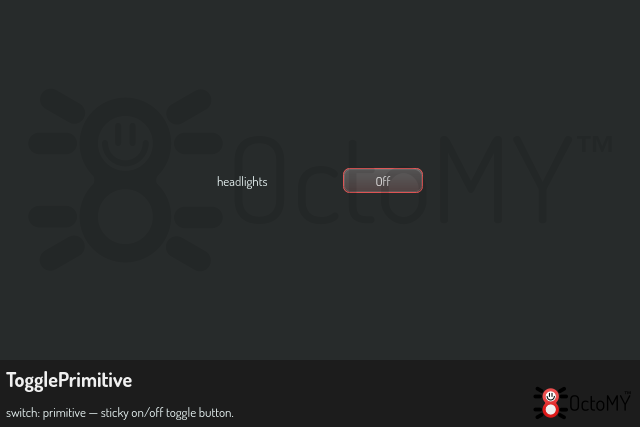
|
Sticky on/off state. Click to flip. State persists across stanza switches if the next stanza has the same switch by the same name. |
momentary: |
Press-and-hold button | 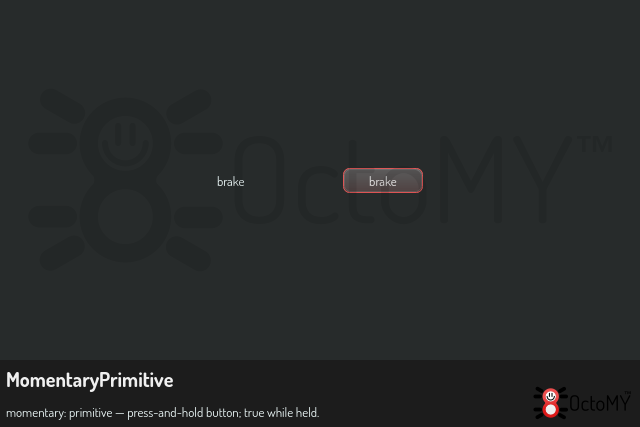
|
True while held, false when released. Releases on focus loss or Escape. |
event: |
Plain button | 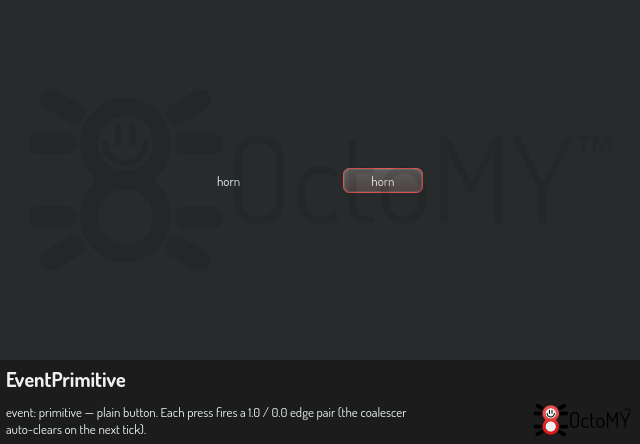
|
Each press fires a one-shot edge: the activity sends 1 immediately, then 0 on the next tick. The firmware sees a rising-then-falling pair, not a counter. |
Inputs declared with the intent: prefix (e.g. intent:ground-drive-2d) do not produce a composite widget at this level. The Control Intent Vocabulary expands them into their leaf sub-ports (axis:forward, axis:yaw, …) before the activity sees them, so each sub-port renders as its own primitive from the table above.
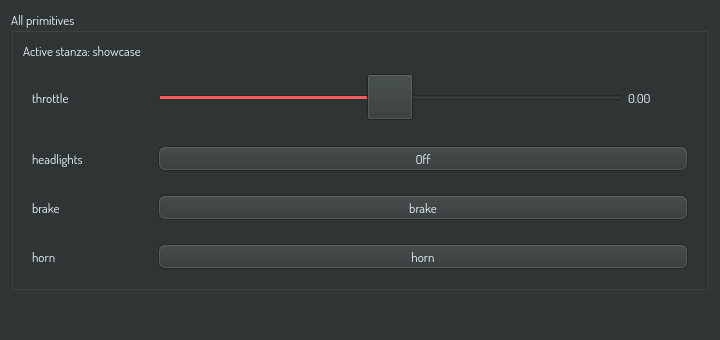
A small preset that exposes one of each primitive kind side-by-side looks like this:
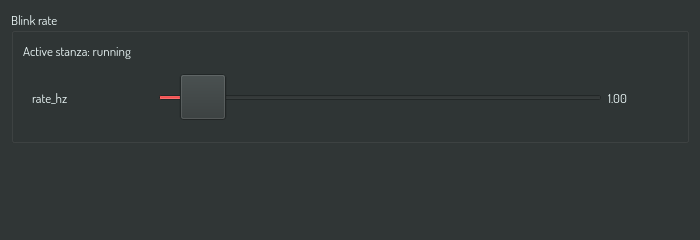
A minimal preset with a single axis (the bundled "blink rate" demo) reduces to just one slider:
Connection state
The activity reflects the connection between the agent and the robot. When the agent loses serial contact, the primitives grey out within about a second:
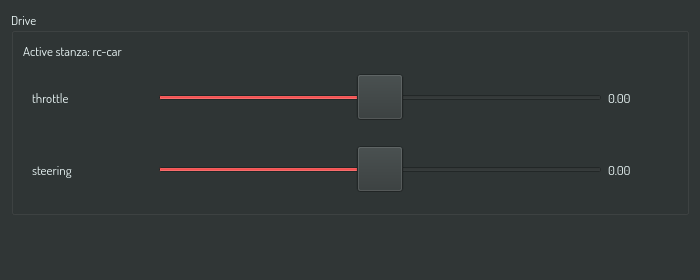
Greyed primitives do not buffer input. If you wiggle a slider while disconnected, those motions are lost — they are not queued and replayed on reconnect. This matches the safety expectation: a disconnected control surface is a dead control surface, not a delayed one.
On reconnect, the primitives re-enable and all sliders reset to their defaults. Toggle states reset as well.
Empty channels
A channel that has no stanza currently active shows a single placeholder under the channel header:
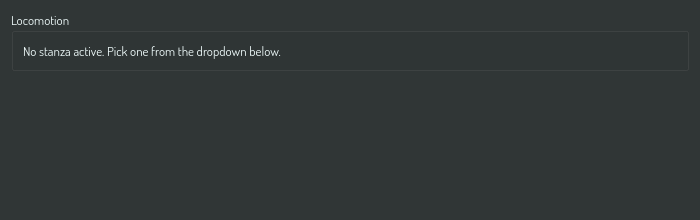
Pick a stanza on that channel using the Stanza Control surface to populate the section.
What's not here
The Stanza Input Activity does not let you choose which stanza is active. That responsibility belongs to the Stanza Control surface — a separate activity that shows a per-channel stanza selector. The split is deliberate: changing stanzas (a coarse-grained intent) is one task; driving the active stanza's inputs (a continuous, hot-path activity) is a different task. Each gets its own surface.
The Stanza Input Activity is also single-instance: only one is open at a time per agent. Trying to open a second one is rejected by the activity registry.
See also
- Fixo Runtime — the parent reference.
- Stanza Control surface — where stanza activation happens.
- Control Intent Vocabulary — the source of truth for the
kindfield. - Fixo Data Model — how stanzas declare their inputs.