Use Trove from a terminal
Call Trove's tasks from a terminal or a Claude Code session
The trove tool calls Trove's OPAL tasks from a terminal, a script or a Claude
Code session you started yourself. It reaches the Hub through the
Trove door, so the session needs
nothing more than the tool on its PATH.
Before you start
- Install the OctoMY™ applications, or build them.
troveis installed besidehub. - Start the Hub, or turn on the door without the Hub's window (below).
Call a task
-
Check that a door runs:
trove doorThe answer names the host that serves the door,
huborstandalone, and the identity it serves. It never prints the token. -
Read a spec:
trove spec tree trove spec get key=sqb4gsd1zn9 body=1 -
Change something, for example the status of a work unit you hold:
trove spec workunit.set-status key=sqb4gsd1zn9 status=donesuccess
Each call prints the task's outputs as JSON. The data of a read is in the
output message. Add --text for the message, then one line per output.
Keep the door open without the Hub's window
When no Hub runs, the tool can start one without its window. Allow it once:
- Open the Hub's Settings — Trove page.
- Turn on Keep the Trove door open without the HUB window.
- If your hive has a passphrase, set Passphrase file of the door host to a file that only you can read and that holds it.
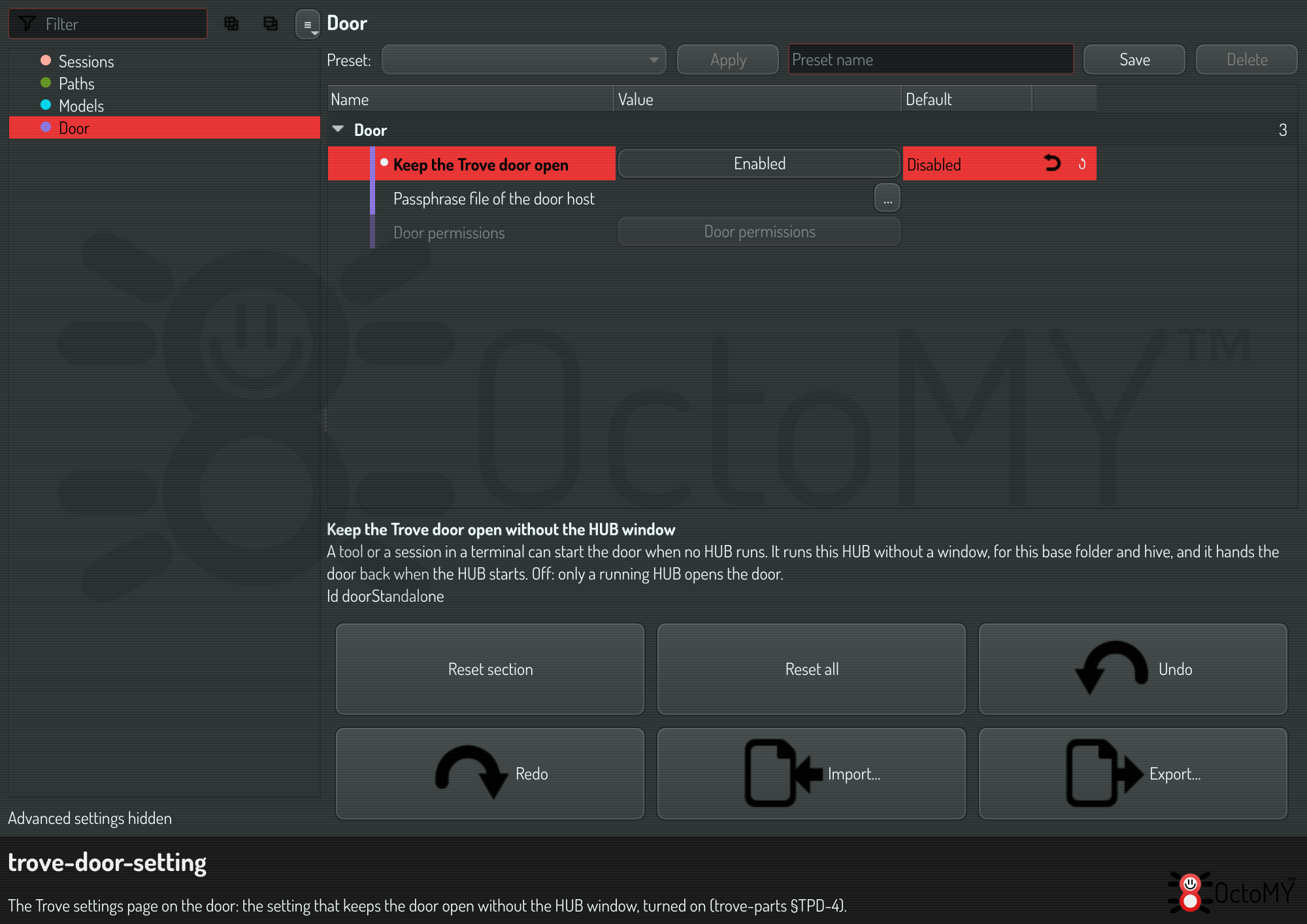
From then on, trove starts hub --head-less --door when it finds no door.
When you start the Hub later, the head-less one hands the door over and ends.
When a call is refused
The exit code says why:
| Code | What to do |
|---|---|
| 3 | No door runs and the Hub does not allow one without its window. Start the Hub, or turn on the setting above |
| 4 | Grant the named scope on the Hub's Door permissions page: open Apps, Trove, the Settings tab, Door permissions. A task that asks before every call cannot run on the head-less host: run it in the Hub |
| 6 | The resource stayed busy. Try again |
Every code is in the command line reference.