Benchmark mesh exports
Queue benchmark sets overnight and browse every exported mesh visually
Mesh Lab is the mesh-export benchmark browser: queue a set of scenes × export pipelines as a background job (overnight, if the set is big), then browse every exported mesh visually the next morning — with hard numbers next to each.
Queue a benchmark set
- Open Mesh Lab from the apps menu.
- Press Queue overnight set… and point it at:
- a scenes folder of
.constructfiles (the corpus), - a definitions folder of pipeline definitions (JSON: extractor, cell size, post-process list),
- a results DB path and an artifacts folder for the exported meshes.
- a scenes folder of
- The set runs as a batch job — watch progress in the Jobs panel. Every scene × definition cell exports, gets measured against the exact SDF (the field is the ground truth, no reference mesh needed), and lands in the results database.
A pipeline definition looks like:
{
  "name": "dc-octree-post",
  "extractor": "DC-octree",
  "cellSize": 0.05,
  "sealed": true,
  "postprocess": ["weld", "sdfProject(2)", "remesh(0.15)", "coplanarMerge(1)", "qemDecimate(0.5)"]
}
Browse the results
Open the results DB in Mesh Lab (or pass --db <path> when launching). The matrix shows one row per scene and one column per pipeline definition; each cell reports the triangle count, mean surface error and whether the mesh passed the watertight-manifold gate.
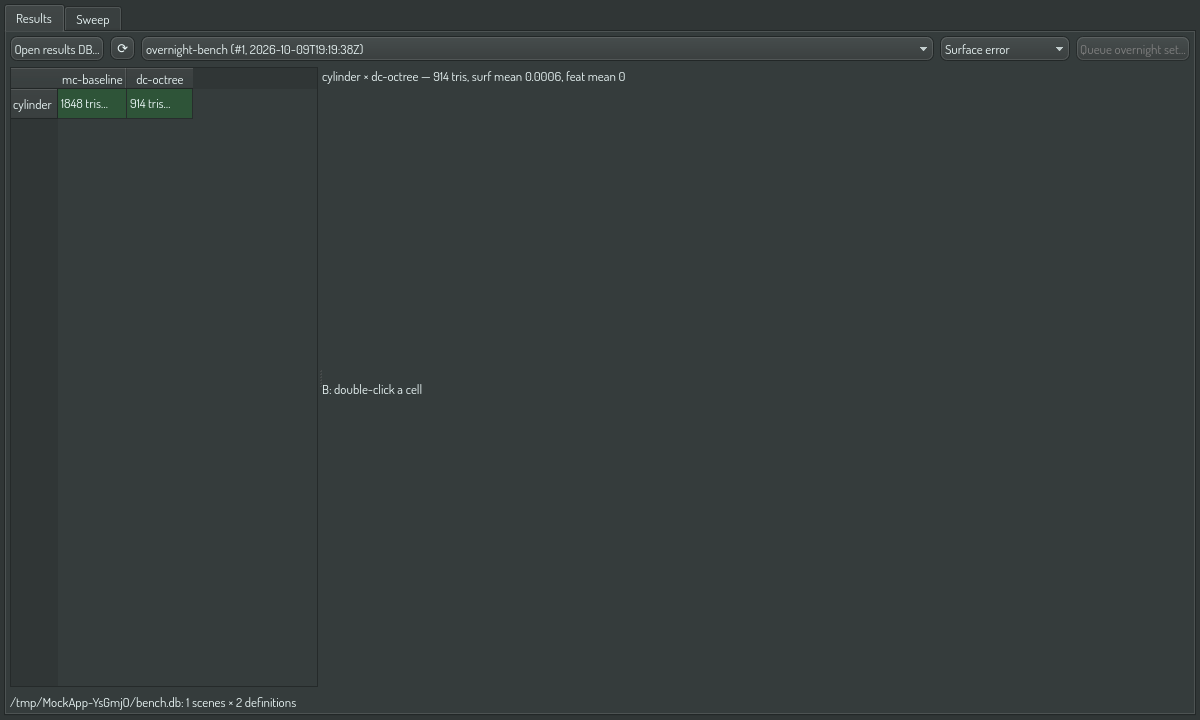
- Click a cell to load its mesh into viewport A.
- Double-click a cell to load viewport B — pipeline-vs-pipeline side by side on the same scene.
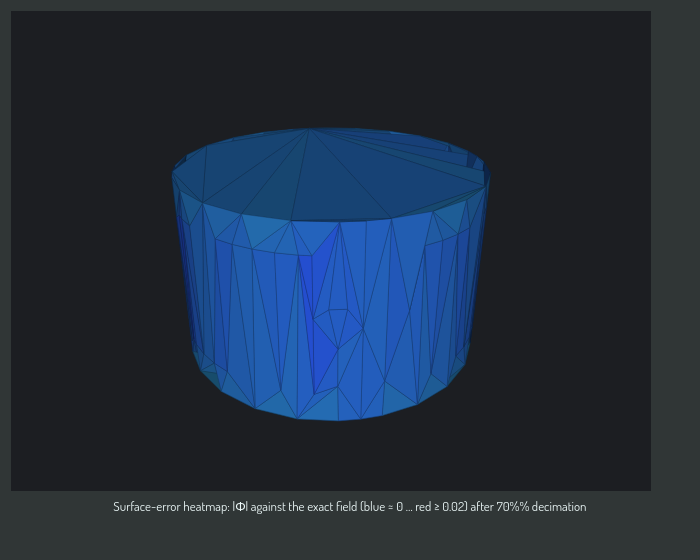
- Pick a heatmap: Surface error colors the surface by deviation from the exact SDF. Dihedral colors each vertex by its largest adjacent-face angle — jaggedness and fold-over flecks light up where the surface-error map shows nothing.
A mesh item in a scene shows the same dihedral heatmap in the viewport: right-click its row and choose Mesh ▸ Field ▸ dihedral. A plan does the same with the OPAL task construct.presentation.add and the arguments {"item": "<mesh>", "kind": "color", "params": {"field": "dihedral"}}. See Work with mesh and tet volume items and Mesh and tet volume items.
Sweep a parameter
The Sweep tab runs a parameter space without JSON files.
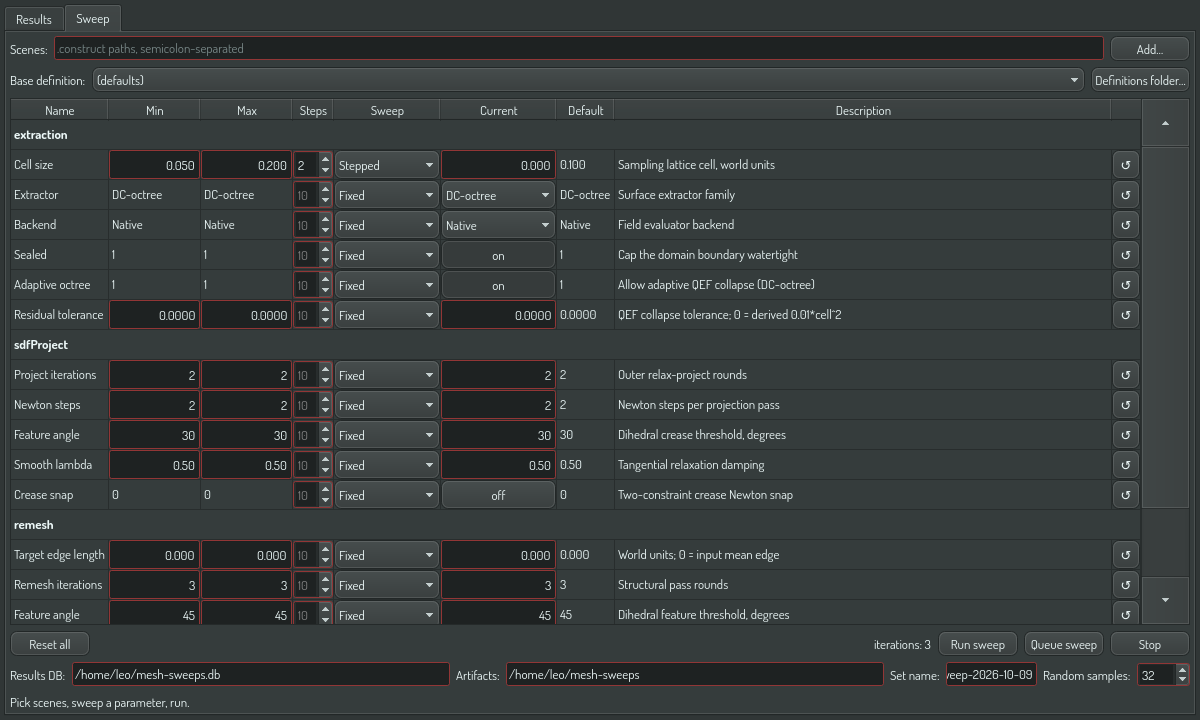
- Open the Sweep tab.
- Press Add… and pick one or more scenes.
- Optional: pick a base definition. An untouched table row keeps the base value.
- In the table, set a parameter's Sweep mode to Stepped. Set its Min, Max and Steps.
- Read the iteration count next to the buttons. Each iteration becomes one matrix column.
- Set the results DB path and press Run sweep. For a large space, press Queue sweep instead.
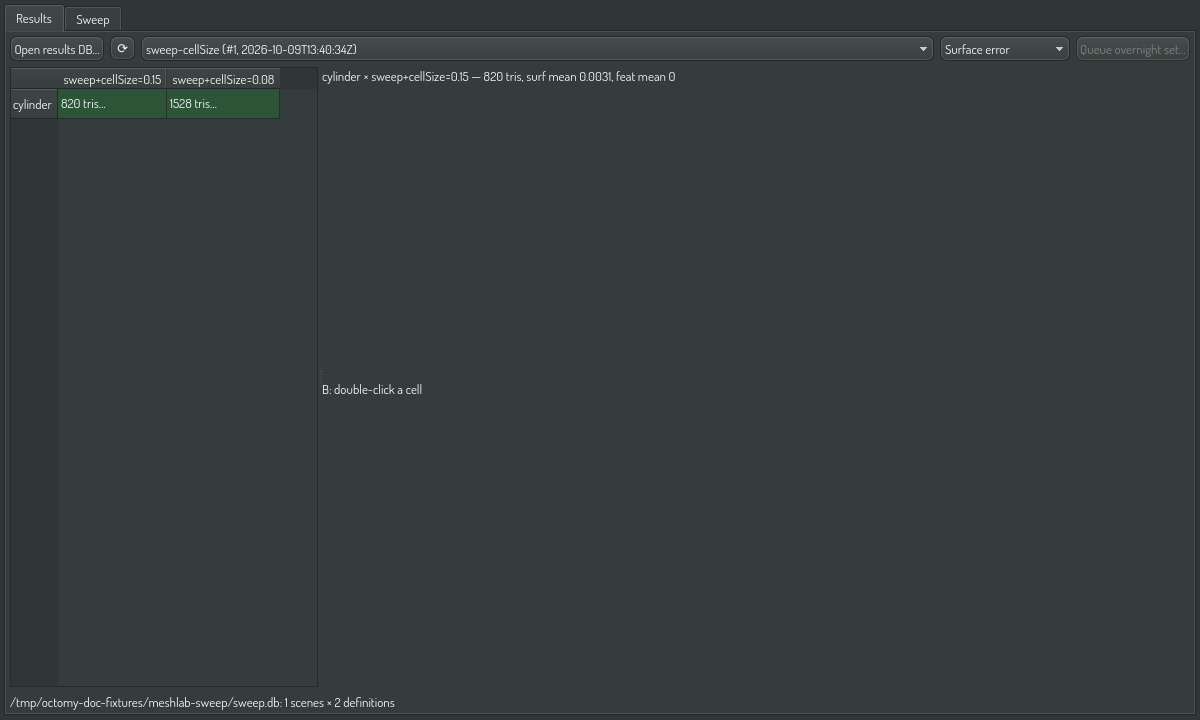
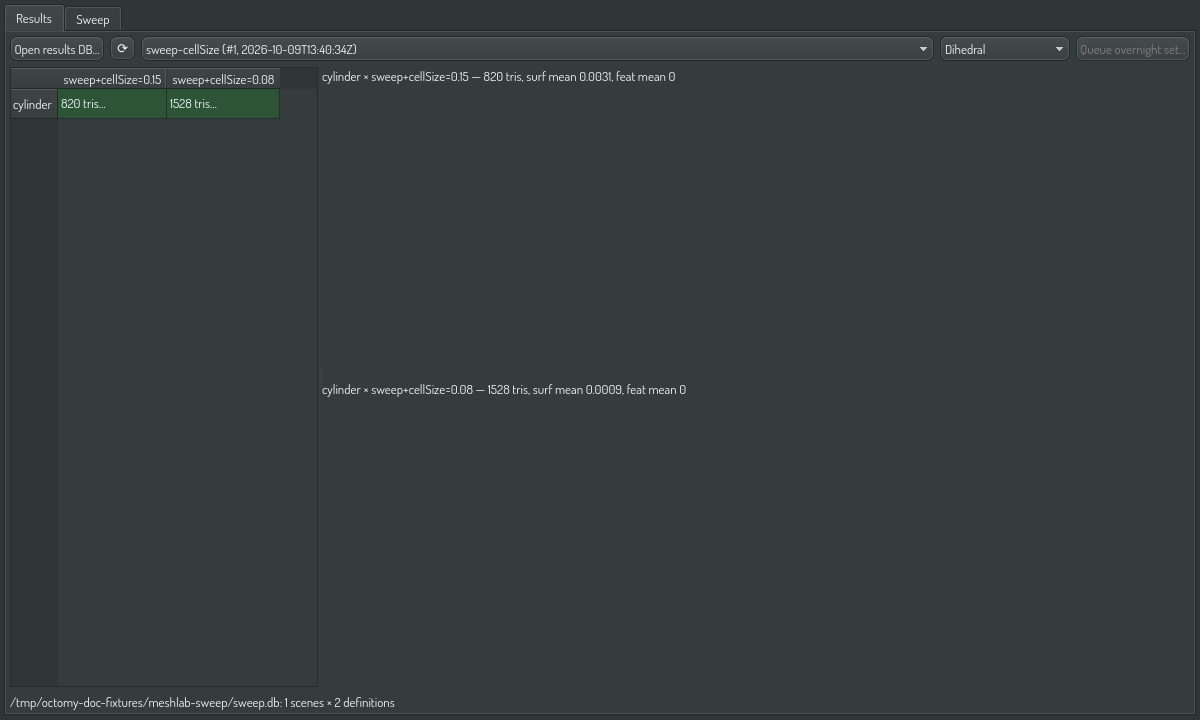
When the run finishes, Mesh Lab switches to Results. Each sweep point is one column, named by its changed values:
The full parameter list, with ranges and defaults, is in Mesh tuning parameters.
Judge a sweep
Three metrics separate a good surface from a jagged one: dihedral_median_deg, dihedral_p90_deg and foldover_count. Lower is better for all three. Compare two sweep points in the A/B viewports with the Dihedral heatmap:
Apply the winner
A sweep point is only useful when your real export uses it. Right-click the winning column in the matrix:
- Apply to scene export settings… writes the column's full pipeline — cell size, extractor, post-process chain and the octree parameters — into a
.constructfile you pick. The next export of that scene, from the GUI dialog or fromconstruct export, uses these values. Do not apply to a scene that is open in Construct at the same time: the editor saves over the file on exit. - Copy chain string puts the post-process chain on the clipboard. In the export dialog, set Finish to Custom chain… and paste it. This applies the chain only; set cell size and algorithm yourself.
- Save definition JSON… writes the definition file for a benchmark definitions folder, so an overnight set can include the winner.
The export dialog's Custom chain… finish mode accepts the same step grammar the sweep uses, for example weld,sdfProject(2),remesh(iterations=5, featureAngleDeg=35). A typo is flagged at the field before anything runs. With the Adaptive Dual Contouring algorithm, the dialog also shows the two octree parameters (Adaptive refinement and Residual tolerance); the same values are available headless as --adaptive-octree and --residual-tolerance.

Scripting it
The same workflow is scriptable through OPAL tasks: mesh.export (one scene, returns metrics), mesh.bench.run (queue a set), mesh.sweep.run (materialize and run a parameter sweep), mesh.bench.query (read results) and mesh.bench.compare (diff two pipelines across the corpus).