Bake and export
Meshes and tet volumes, into the scene or to disk
Bake and Export both turn an SDF branch into a polygonal mesh or a tetrahedral volume. They differ only in where the result goes:
- Bake drops a permanent passenger into the scene, keeping the source branch.
- Export writes the result to disk without touching the scene.
Both live on the branch's right-click menu, and both use one configuration dialog.
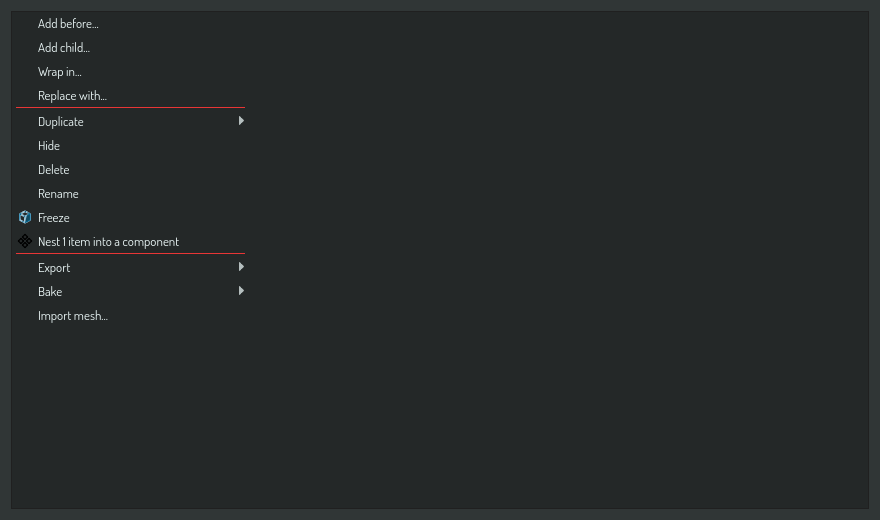
Bake into the scene
Right-click a branch and choose Bake ▸ Tri mesh or Bake ▸ Tet volume. A passenger is generated and added to the scene beside the source, which is kept with a back-reference so you can regenerate it later. Bake is additive — undo removes the passenger.
Use Bake ▸ Tet volume when you need a tetrahedral volume for finite-element simulation.
Export to disk
Right-click a branch and choose Export ▸ Tri mesh, Export ▸ Tet volume, or Export ▸ Scene. Tri and Tet open the export configuration dialog, where you set the format, detect bounds with the Detect button, and choose the watertight option. Export writes a file and does not change the scene, so it has no undo.
Export ▸ Scene writes the selected branch as a fully standalone .construct file: the branch is re-rooted, all current scene settings are copied in, and every referenced material and component is embedded. The exported file opens self-contained on any machine, independent of the source project.
Export a mesh or a tet volume to a file
A mesh or a tet volume in the scene is already finished. It has no meshing options, so it writes to a file as it is:
- Right-click the mesh row or the tet volume row.
- Choose Export ▸ Tri mesh to file... or Export ▸ Tet volume to file....
- Choose the file in the save dialog.
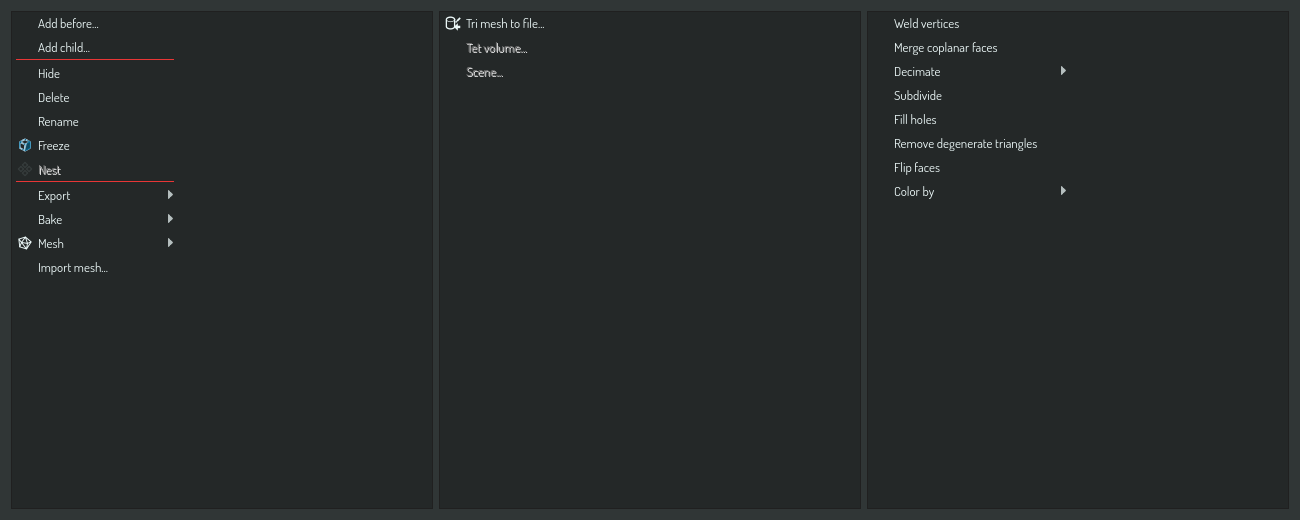
The file name decides the format. A mesh writes to STL, OBJ, PLY or VTK. A tet volume writes to VTK only, because the other formats cannot hold tetrahedra. The export runs as a job, and a message names the file when it is written.
A mesh row also bakes and exports a tet volume: Bake ▸ Tet volume fills the mesh with tetrahedra and adds the volume to the scene next to the mesh, and Export ▸ Tet volume... writes the same volume to a VTK file. Both open a dialog of their own, not the SDF export dialog. See Fill a mesh with tetrahedra.
On a tet volume row, Export ▸ Tri mesh (boundary) to file... writes the outside of the volume as a tri mesh.
Bake a tet volume to a tri mesh
On a tet volume row, Bake ▸ Tri mesh (boundary) adds a tri mesh of the volume's outside to the scene, next to the volume. The mesh has the exact positions of the volume's nodes and shades flat, so the two look the same. Undo removes it.
To process a mesh or a tet volume in the scene, for example to decimate it, see Work with mesh and tet volume items.
Share a scene with its meshes inside
A .construct file refers to each baked mesh and tet volume by its file next to the scene. To give a scene to someone with every mesh and volume inside, save it as a .cpack package.
One dialog for an SDF branch
Tri and Tet, bake and export of an SDF branch, all route through the single export configuration dialog, parameterized by output type and destination. Its options decide how a field becomes a mesh: the format, auto-bounds detection, and batch submission for every combination. A mesh or tet volume row does not open it.